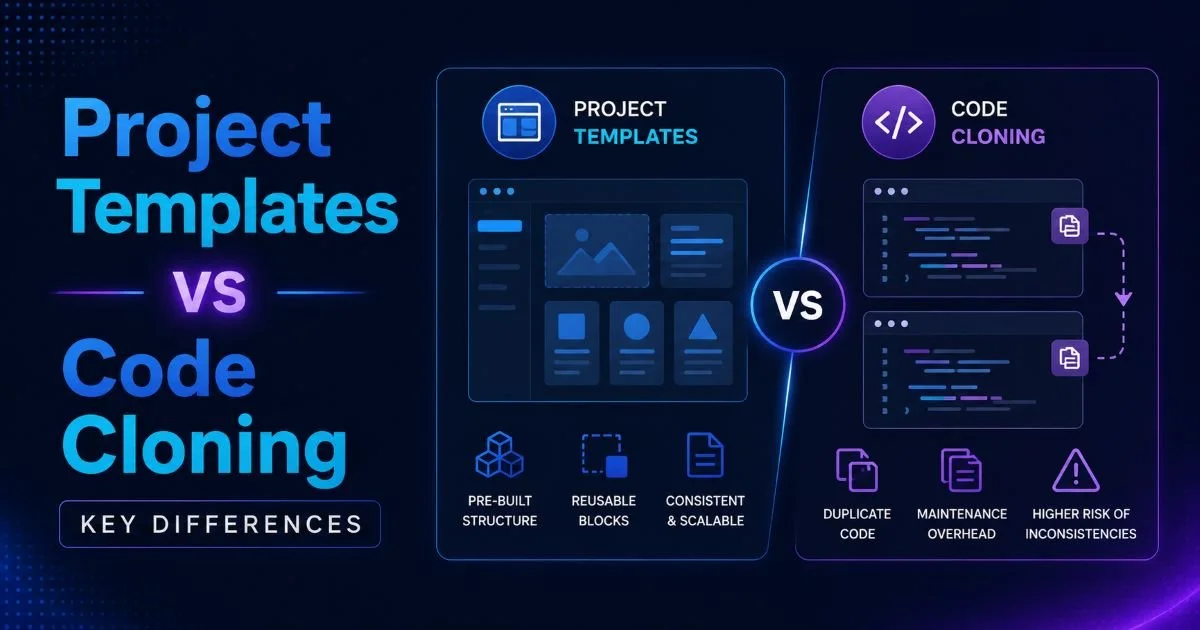
When teams need to reuse code structures across projects, two dominant strategies emerge: project templates and code cloning. Both approaches promise faster development cycles and reduced boilerplate, but they operate on fundamentally different principles. Templates offer pre-configured scaffolding with built-in conventions, while cloning duplicates an existing codebase to serve as a foundation for new work.
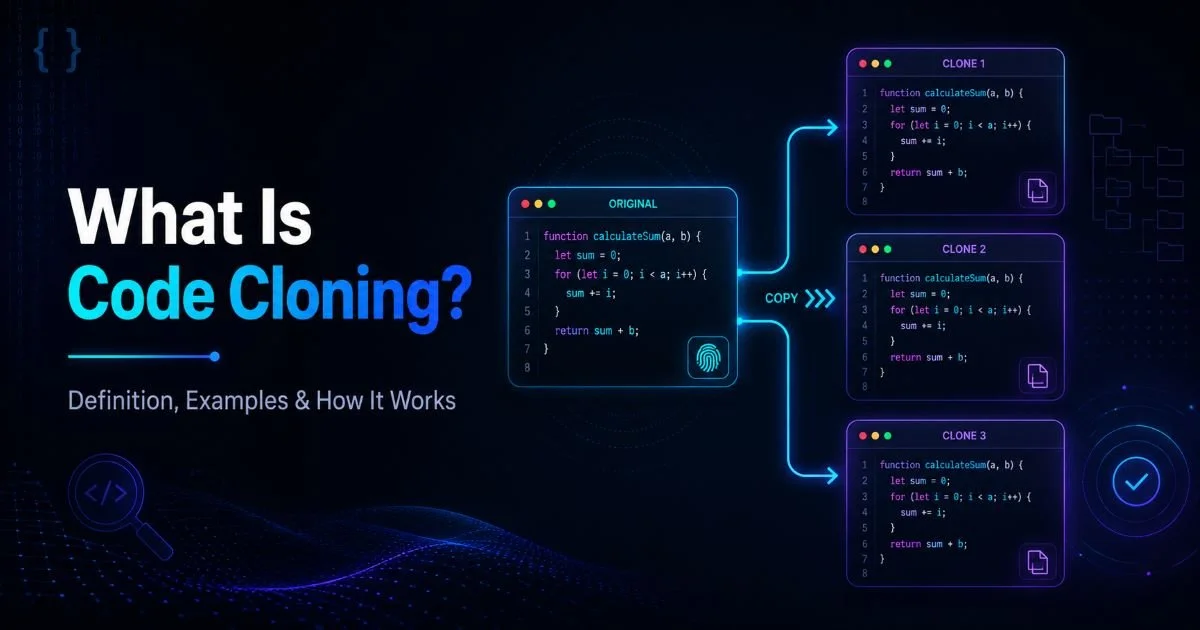
For software developers focused on prototyping and shipping quickly, choosing the wrong approach can lead to technical debt, maintenance headaches, or wasted effort. Understanding what code cloning actually means and how it works gives you the context needed to evaluate these strategies side by side. This comparison breaks down the real differences so you can pick the right tool for your situation.
Key Takeaways
- Project templates enforce consistent structure but limit initial flexibility for rapid prototyping.
- Code cloning gives you a working codebase instantly, though maintenance burden grows over time.
- Templates excel when teams share conventions; cloning works better for one-off explorations.
- Combining both strategies often produces the best results for reusable software development.
- Your choice depends on team size, project lifespan, and how often you revisit cloned code.
Setup Speed and Initial Productivity
Templates: A Structured Start
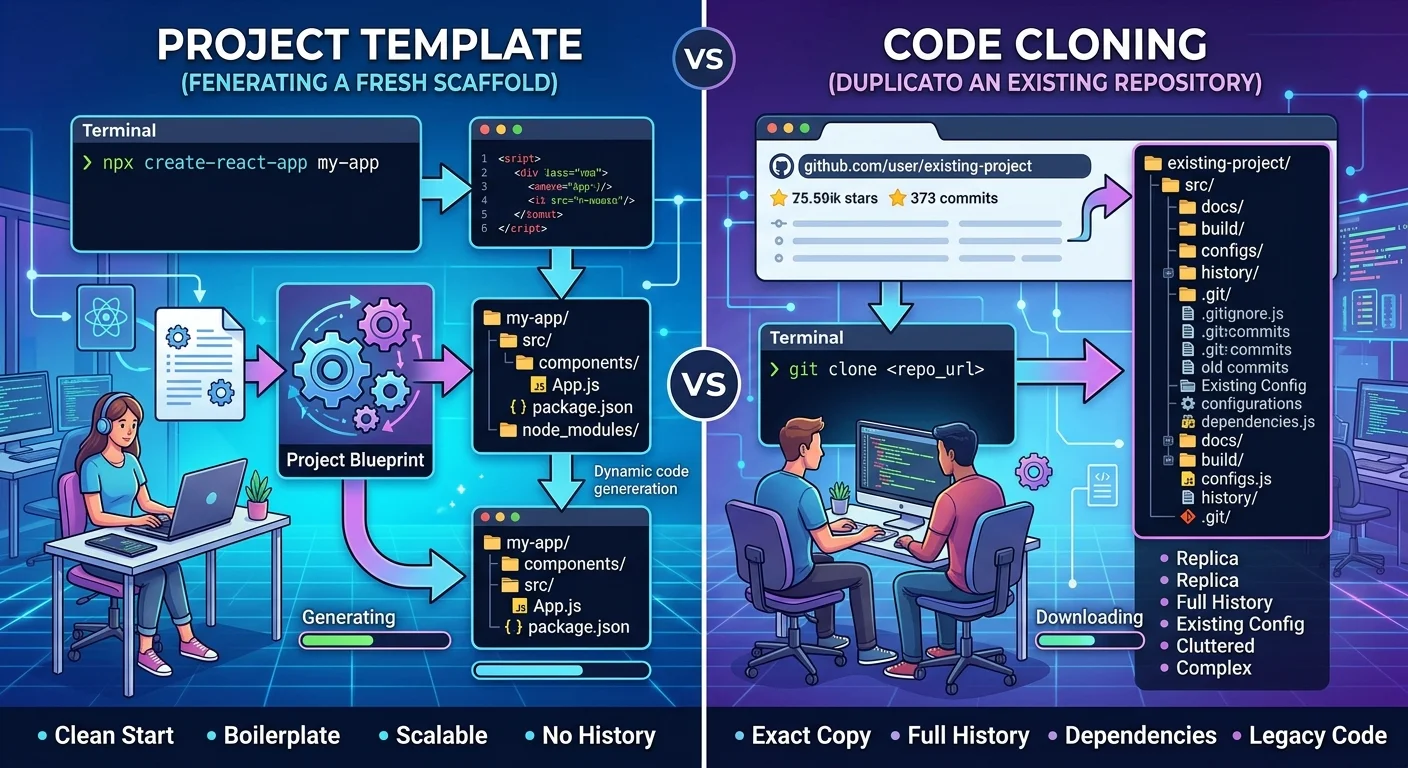
Project templates typically come with predefined folder structures, configuration files, and sometimes even starter components. Tools like Create React App, Cookiecutter, and Yeoman generate new projects from a blueprint in seconds. The trade-off is that you get a skeleton, not a functioning application. You still need to wire up business logic, connect data layers, and configure integrations specific to your use case. As outlined in our guide on software prototyping with project templates, this approach works well when you want consistent starting points across multiple projects.
Templates shine when your organization has standardized its technology stack. Every new microservice or frontend app starts from the same base, which reduces cognitive load for developers switching between projects. The initial setup might take five minutes, but the real time savings come from not having to debate folder structures or linting configurations for the hundredth time. That predictability is worth a lot in teams larger than three or four people.
Cloning: An Instant Working Copy
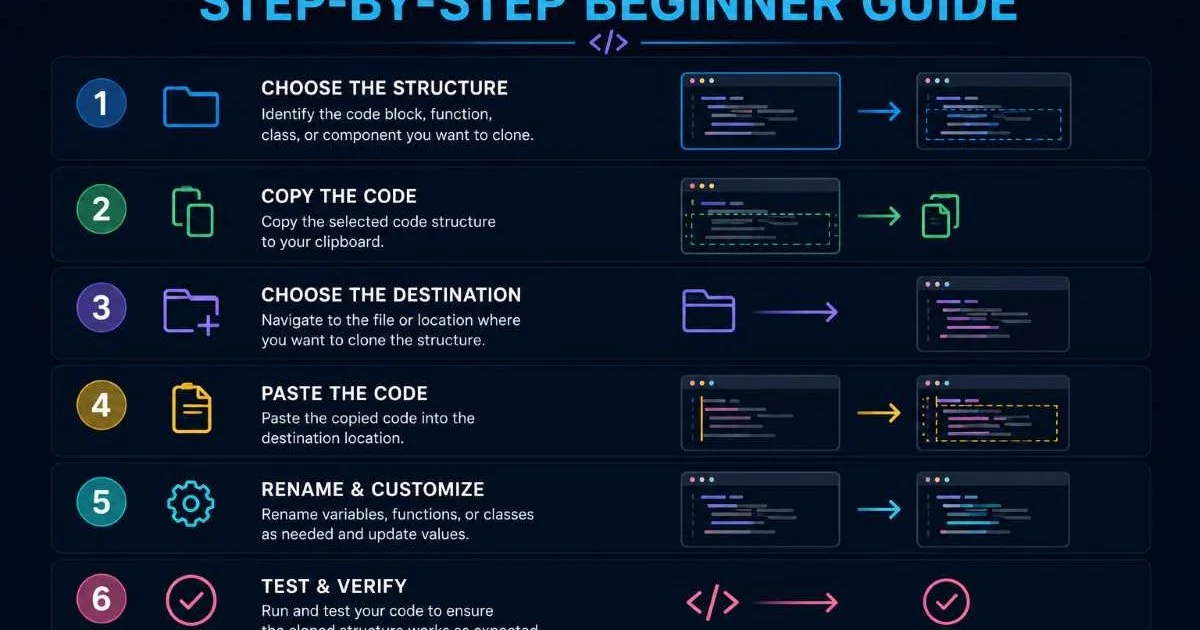
Code cloning, by contrast, gives you something that already runs. When you clone a repository, you get the entire commit history, working features, tests, and CI/CD pipelines. For prototyping, this is incredibly attractive because you can demo a working product within minutes of starting. If you have followed our step-by-step beginner guide to cloning code structures, you know how quickly a duplicated project can become a launchpad for experimentation.
The speed advantage of cloning is most pronounced when you are building something similar to an existing project. Need another CRUD app with the same auth system? Clone the last one and swap out the domain logic. Need a proof of concept for a client? Clone your internal demo app and customize the branding. The time from zero to working prototype drops dramatically. However, that speed comes with strings attached, which we will explore next.
When cloning for prototyping, immediately delete any code unrelated to your new project to reduce confusion later.
Maintenance and Long-Term Cost
Template Maintenance Patterns
Templates have a clear maintenance advantage because updates flow in one direction. When you update a template, new projects generated from it benefit automatically. Existing projects do not get retroactive updates, but they also do not carry the baggage of an evolving upstream source. This makes the maintenance model predictable. You maintain one template repository, and every new project inherits the latest best practices at creation time without any merge conflicts or dependency tangles.
Read also How Software License Checkers Detect Hidden Risks
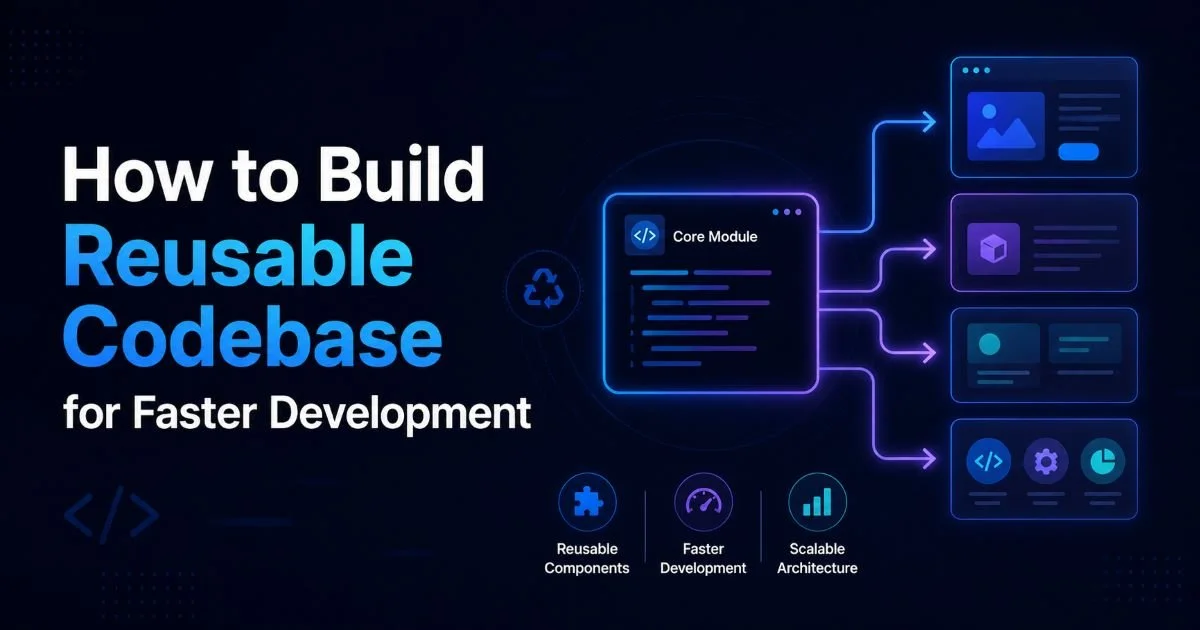
The cost of maintaining templates is concentrated rather than distributed. A platform team or senior developer owns the template, keeps dependencies current, and updates conventions as the stack evolves. Individual project teams rarely need to think about the template after initial generation. This centralized ownership model scales well, especially when combined with efforts to build a reusable codebase for faster development across your organization.
The Clone Drift Problem
Cloned projects diverge from their source almost immediately. Every bug fix, security patch, or dependency upgrade applied to the original must be manually ported to every clone. In practice, this rarely happens. Teams get busy, clones drift, and suddenly you have fifteen variations of the same application with different dependency versions and subtly different behavior. This phenomenon, sometimes called "clone drift," is one of the most cited drawbacks of code cloning in software engineering literature.
The maintenance burden scales linearly with the number of clones. Two or three clones might be manageable, but once you have a dozen, tracking which ones received a critical security fix becomes a genuine operational risk. Some teams mitigate this by using shared libraries for common functionality, effectively hybridizing the template and clone approaches. But if you are purely cloning without extracting shared code, expect maintenance costs to compound over time.
Cloned codebases that share database schemas or API contracts can create hidden coupling that is extremely difficult to debug.
Flexibility and Customization Comparison
Flexibility is where code cloning genuinely outperforms templates. When you clone a working project, every aspect is customizable from day one because you own the entire codebase. There are no template abstractions hiding complexity, no placeholder variables, and no opinions about what you should or should not modify. You see real, working code and can reshape it however you want. For experimental prototyping or building something that deviates significantly from standard patterns, this freedom is invaluable.
Templates, by design, impose constraints. Good constraints, usually, but constraints nonetheless. A well-built template encodes organizational knowledge about how projects should be structured, which tools to use, and where different types of code belong. This is fantastic for consistency but can feel restrictive when you need to do something unconventional. Overriding template defaults often means fighting the scaffolding rather than benefiting from it, especially with opinionated generators that assume specific frameworks or patterns.
"The best approach often combines template consistency for common patterns with strategic cloning for unique requirements."
That said, templates have become more sophisticated. Modern template engines support conditional generation, plugin systems, and user prompts that adjust the output based on your answers. Cookiecutter, for example, lets you define variables that customize the generated project at creation time. Similarly, when evaluating backend tools like Prisma vs Supabase, your template can include conditional configurations based on which ORM or backend service you select. This narrows the flexibility gap considerably, though cloning still wins when your starting point is a complex, already-running application.
| Criteria | Project Templates | Code Cloning |
|---|---|---|
| Initial setup time | 1 to 5 minutes | Under 1 minute |
| Working app at start | No (scaffold only) | Yes (full application) |
| Customization freedom | Moderate (within template bounds) | High (full control) |
| Upstream updates | New projects auto-inherit | Manual per-clone patching |
| Consistency across projects | High | Low (diverges quickly) |
| Best for prototyping | Standard prototypes | Complex or exploratory prototypes |
| Maintenance cost (Year 1) | Low | Medium to High |
One practical consideration developers overlook is the learning curve. Templates require you to understand the template system itself, its variables, hooks, and generation logic. Cloning requires you to understand someone else's application code. Both have learning costs, but they are different in nature. For junior developers, reading and modifying a working clone can be more educational than deciphering a template's meta-programming. For senior developers, templates are usually faster because the abstraction is familiar.
Some teams create "golden repositories" that serve as both templates and cloneable references, blending the benefits of each approach.
Team Collaboration and Scalability
How well each approach scales with team size is a defining factor. Templates naturally support collaboration because they establish shared conventions. When every project in your organization starts from the same template, code reviews become more efficient, onboarding is faster, and developers can move between projects without a steep ramp-up period. The template acts as institutional memory, encoding decisions that would otherwise live only in senior developers' heads or buried in wiki pages nobody reads.
Code cloning works differently in team settings. It is inherently decentralized. Each clone becomes its own universe, and without strong discipline, teams end up solving the same problems independently in slightly different ways. A security vulnerability patched in one clone might go unfixed in another for months. Cross-team knowledge sharing suffers because there is no single source of truth for how things should be done. For organizations with more than a handful of active projects, this fragmentation creates real risk.
The chart above reflects a pattern seen across developer surveys and community discussions. Smaller teams and solo developers gravitate toward cloning because it is faster and they can manage the maintenance burden personally. As teams grow, the coordination benefits of templates become more valuable. The tipping point seems to land around six to fifteen developers, where the overhead of managing divergent clones starts to outweigh the initial speed advantage.
Hybrid strategies work particularly well at scale. A team might maintain official templates for standard project types while allowing cloning from approved reference implementations for more specialized work. The key is establishing clear guidelines about when each approach is appropriate and who owns the maintenance of cloned projects. Without those guardrails, even well-intentioned teams end up in a sprawl of unmaintained clones that becomes increasingly expensive to manage over successive quarters.
Document a decision matrix for your team specifying when to use templates versus cloning based on project type and expected lifespan.
Frequently Asked Questions
?How do I decide between Cookiecutter and cloning an existing repo?
?Can you combine project templates and code cloning effectively?
?How quickly does maintenance cost grow when cloning a codebase?
?Is code cloning a bad habit if my team uses CI/CD pipelines regularly?
Final Thoughts
Neither project templates nor code cloning is universally superior. Templates bring consistency, lower maintenance costs, and better scalability for growing teams. Cloning delivers speed, flexibility, and a working starting point that is hard to beat for prototyping.
The smartest teams treat these as complementary tools rather than competing philosophies. Match your choice to the project's lifespan, your team's size, and how much you value consistency against speed, and you will make the right call every time.
Disclaimer: Portions of this content may have been generated using AI tools to enhance clarity and brevity. While reviewed by a human, independent verification is encouraged.