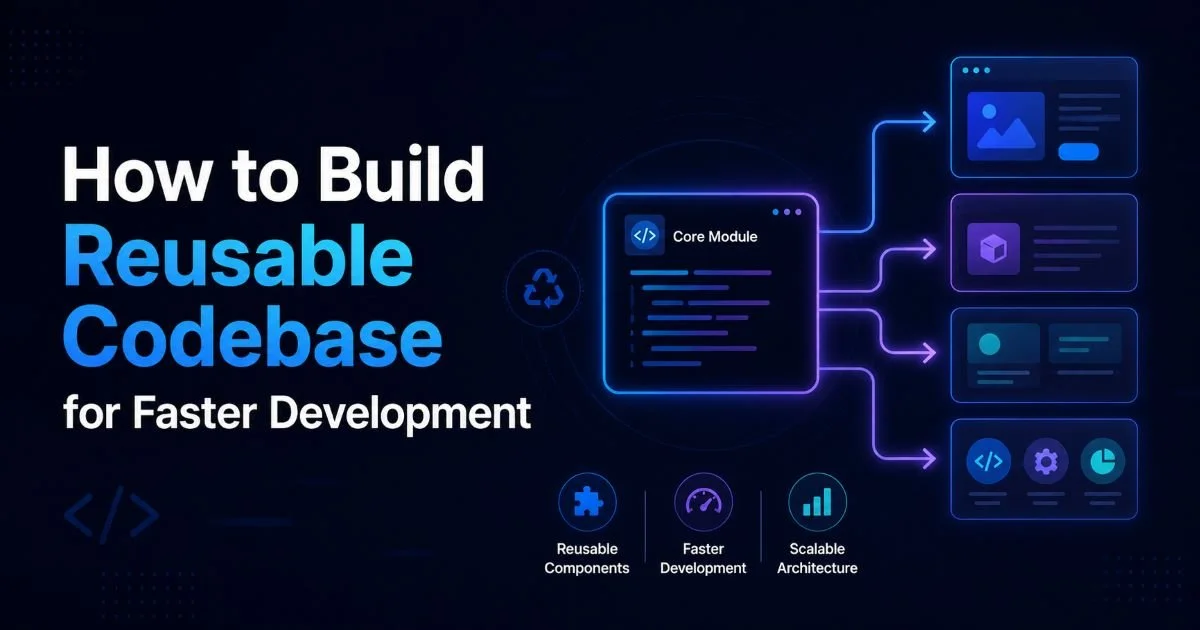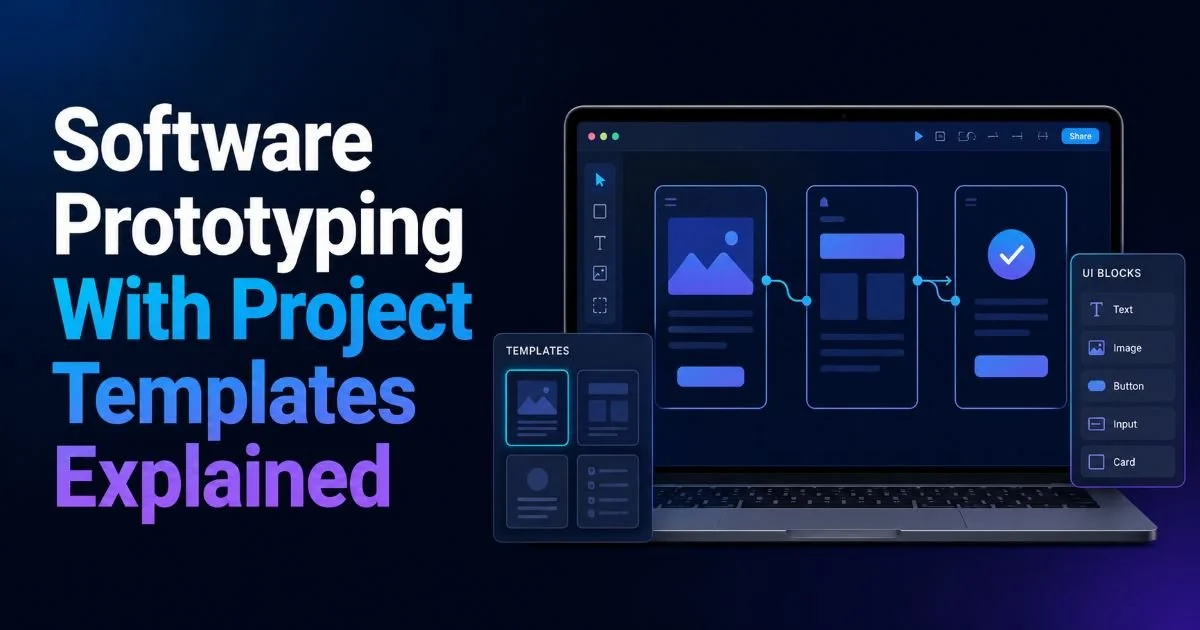
Software prototyping with reusable project templates has become one of the most effective ways to accelerate early-stage development. When you clone code structures from a well-organized template, you skip the repetitive setup work that eats into creative problem-solving time. Instead of building folder hierarchies, configuring build tools, and wiring up authentication from scratch, you start with a functioning codebase and customize from there.
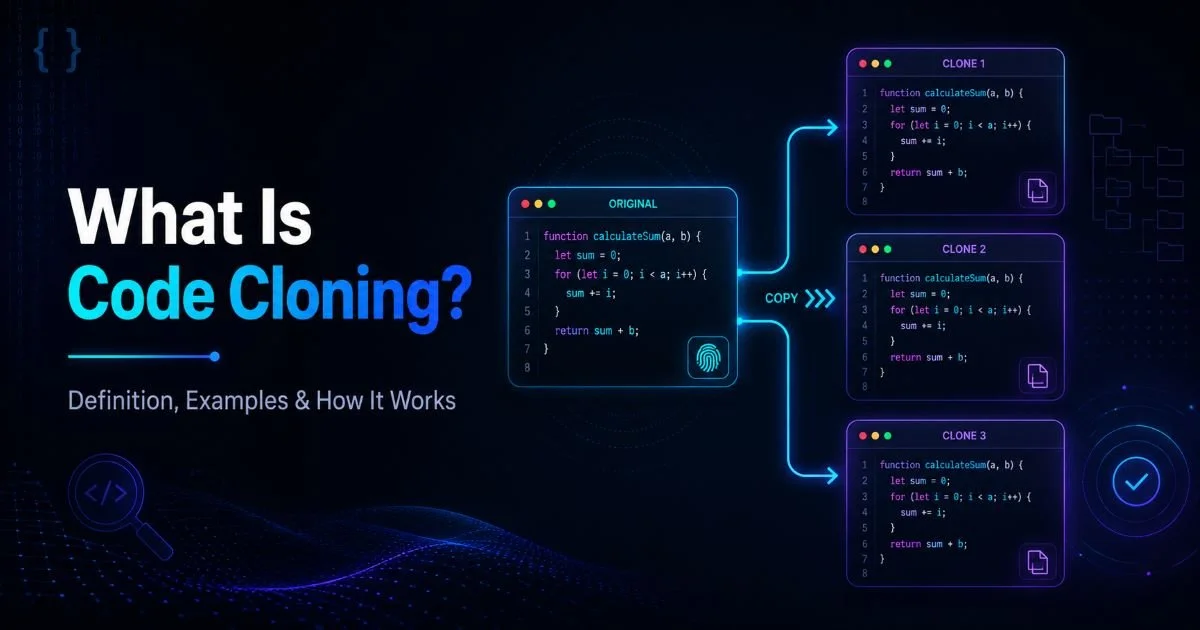
This approach matters because prototyping speed directly affects how quickly teams validate ideas, test market fit, and iterate on user feedback. Understanding how code cloning works gives you the foundation to apply templates strategically. The difference between a prototype that ships in two days and one that takes two weeks often comes down to how much code reuse happens at the beginning.
Key Takeaways
- Project templates eliminate repetitive setup so you prototype faster with consistent quality.
- Clone only the structures you need; bloated templates create more problems than they solve.
- Version-control your templates separately to keep them updated and maintainable over time.
- Pair templates with environment-specific configuration files to avoid hardcoded values leaking across projects.
- Regularly audit template dependencies to prevent security vulnerabilities from propagating into new prototypes.
1. Define Your Prototype Scope and Template Requirements
Identify Recurring Patterns
Before you touch any code, spend time cataloging the patterns that repeat across your projects. Most teams build the same foundational elements over and over: user authentication flows, database connection layers, API endpoint scaffolding, and deployment configurations. Write these down explicitly. If you've built three React apps in the past year and each one started with the same Redux store setup and routing configuration, that's a pattern worth capturing in a template.
Look at your Git history for clues. The files you copy between repositories most frequently are your strongest template candidates. If you follow code reuse best practices to reduce development time, you'll notice these patterns emerge naturally. Pay attention to boilerplate that rarely changes between projects versus code that always needs heavy modification. The former belongs in a template; the latter probably doesn't.
Map Scope to Template Complexity
Not every prototype needs the same starting point. A quick proof-of-concept for an internal tool requires a far lighter template than a customer-facing MVP with payment processing. Define three tiers of template complexity: minimal (routing, basic styling, one data model), standard (authentication, database ORM, API layer), and full (CI/CD pipeline, monitoring, multi-environment configs). Match each prototype's goals to the appropriate tier before cloning anything.
Overloading a simple prototype with a heavyweight template actually slows you down. You spend time removing features and untangling dependencies instead of building. The goal is to start as close as possible to your target without carrying dead weight. Think of your template as a launchpad, not a finished product. When the scope is clear, every decision downstream becomes easier.
Create a one-page template selection checklist that maps prototype goals to template tiers so your team picks the right starting point every time.
2. Build or Select the Right Project Template
Creating Templates from Existing Projects
The fastest way to build a project template is to extract one from a successful past project. Strip out business-specific logic, replace hardcoded values with environment variables, and generalize naming conventions. For example, if your last SaaS product had a billing module tightly coupled to Stripe, keep the payment integration layer but abstract the provider so it could work with any processor. This transforms project-specific code into a reusable codebase that serves multiple future prototypes.
Read also Fixing Common Keyboard Navigation Issues on Websites
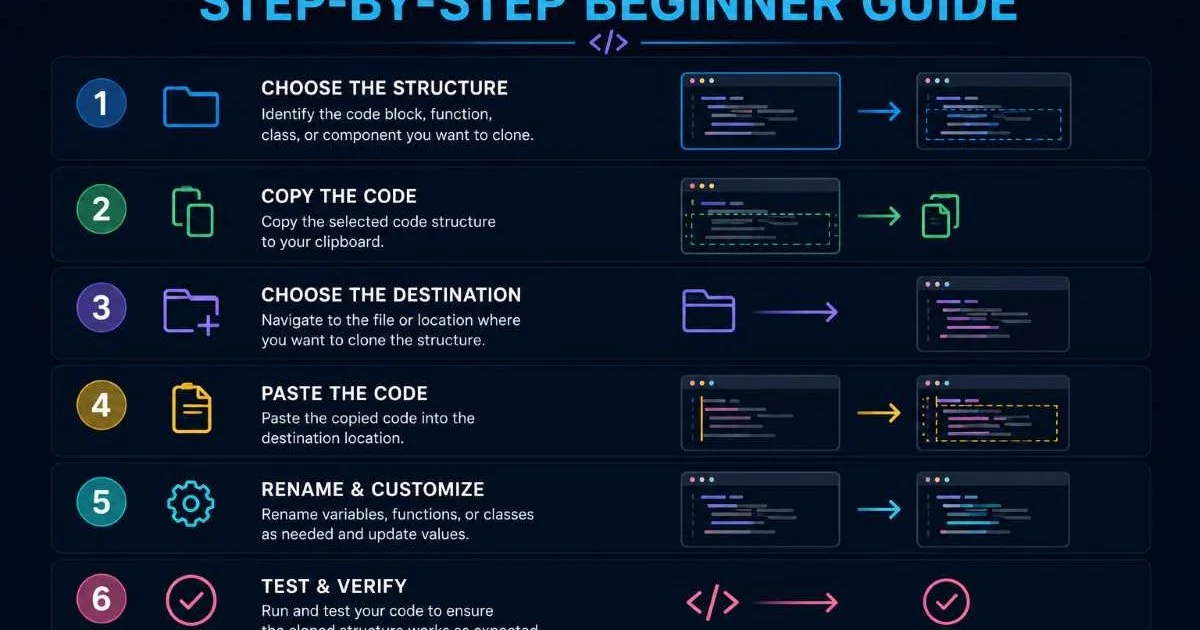
Store your template in a dedicated repository with clear documentation. Include a README that explains what each directory contains, which environment variables need configuration, and what commands bootstrap the project. If you're new to this process, the guide on how to clone code structures step by step walks through the mechanics of extracting and organizing template files. Good documentation is the difference between a template your whole team uses and one that only the original author understands.
Always remove API keys, database credentials, and any sensitive data before converting a project into a shareable template.
Evaluating Third-Party Templates
Sometimes building from scratch isn't worth the effort. Tools like Create React App, Next.js starters, and Rails application templates provide solid foundations maintained by large communities. When evaluating third-party options, check the last commit date, open issue count, and dependency freshness. A template that hasn't been updated in 18 months likely carries outdated dependencies with known vulnerabilities.
For AI-powered prototypes specifically, platforms like VisionVix AI SDK offer pre-built scaffolding that handles common machine learning integration patterns. The key is understanding the differences between project templates and code cloning so you pick the right approach for each situation. Third-party templates work best when your prototype aligns closely with the template's intended use case; heavy customization of someone else's opinionated template often takes longer than building your own.
3. Clone and Customize Structures for Your Prototype
The Cloning Workflow
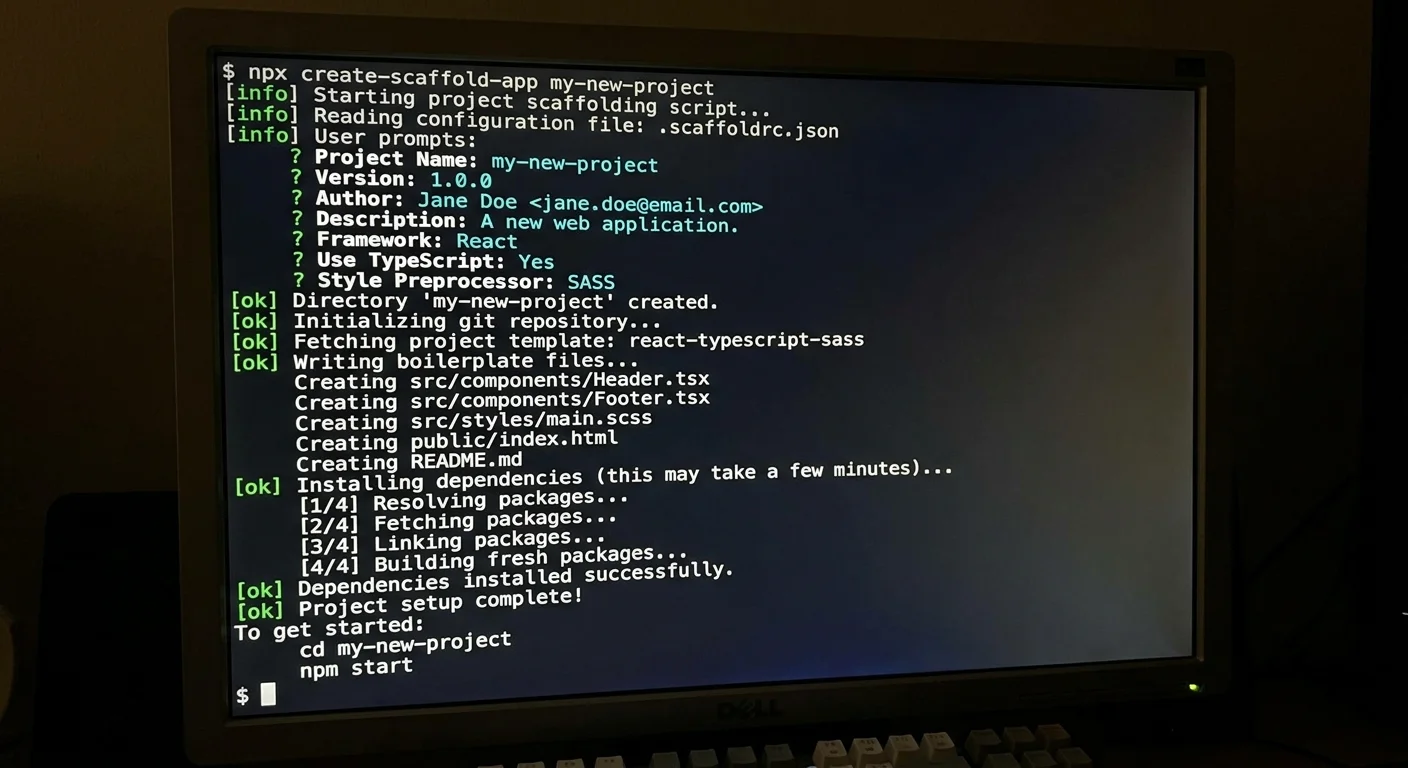
With your template selected, the actual cloning process should be scripted, not manual. Create a CLI tool or shell script that clones the template repository, renames the project directory, updates package names in configuration files, and initializes a fresh Git history. Manual cloning leads to forgotten steps, especially renaming references scattered across package.json, Docker Compose files, and CI configuration. Automation catches what humans miss.
A practical example: suppose your template lives at github.com/yourorg/node-api-template. Your bootstrap script would clone the repo, run sed commands to replace placeholder names with the new project name, install dependencies, and create an initial commit. This entire process should take under 60 seconds. If it takes longer, your template likely has too many manual configuration steps that should be automated or eliminated entirely.
Customization Best Practices
After cloning, resist the urge to modify the template's core architectural patterns. If your template uses a service-repository pattern for data access, stick with it for the prototype even if you'd personally prefer a different approach. Consistency with the template's conventions means other team members can jump in without a learning curve. Save architectural debates for the production version; prototypes exist to validate ideas, not architectural preferences.
Focus your customization effort on three areas: data models specific to your prototype's domain, UI components that reflect the product's unique interactions, and integrations with third-party services the prototype requires. Everything else (logging, error handling, middleware chains) should remain as the template provides them. Building a reusable codebase for faster development means treating the template's infrastructure layer as stable ground, not as something to reinvent each time.
| Customization Area | Typical Time Investment | Prototype Impact | Recommendation |
|---|---|---|---|
| Data Models | 2 to 4 hours | High | Always customize |
| UI Components | 4 to 8 hours | High | Always customize |
| Authentication Flow | 1 to 2 hours | Medium | Configure, don't rewrite |
| Logging/Error Handling | 0.5 to 1 hour | Low | Keep template defaults |
| CI/CD Pipeline | 1 to 3 hours | Medium | Adjust environment variables only |
| Third-Party Integrations | 2 to 6 hours | High | Add as needed per prototype |
Never modify the template repository itself when customizing for a specific prototype. Always work in the cloned copy to keep the original clean.
4. Maintain and Iterate on Your Reusable Codebase
Versioning and Updates
Templates rot faster than you'd expect. A Node.js template created six months ago already has outdated dependencies, and some of those dependencies likely have security patches you're missing. Treat your template repository like a production project: run automated dependency updates weekly using tools like Dependabot or Renovate. Tag releases with semantic versioning so teams can clone a specific, tested version rather than whatever happens to be on the main branch.
When you discover improvements during a prototype build (a better middleware configuration, a more efficient database connection pool setup), feed those changes back into the template. This feedback loop is what transforms a static template into a living, evolving asset. Schedule a monthly template review meeting where developers propose additions, vote on changes, and test the updated template against a sample project before merging updates.
"The best project templates aren't built once; they evolve continuously from real lessons learned during actual prototype development."
Team Adoption and Documentation
A template nobody uses is a waste of engineering effort. Drive adoption by making the template the default starting point in your team's project creation workflow. Integrate it into your internal developer portal or CLI tools so that "create new project" automatically pulls from the latest template version. Remove friction at every step. If a developer has to remember a Git URL, search for documentation, or ask someone how to use the template, adoption will suffer.
Documentation should cover three levels: a quickstart guide that gets a developer from zero to running prototype in under five minutes, an architecture overview that explains why the template is structured the way it is, and a contribution guide for adding improvements back to the template. Record a short screencast walking through the template setup process. Written docs work well for reference, but video captures nuance and workflow context that text alone misses. Teams that invest in template documentation see dramatically higher adoption and fewer "I just started from scratch" situations.
Add a CHANGELOG.md to your template repository so developers can quickly see what changed between versions before deciding whether to update.
Frequently Asked Questions
?How do I identify which code structures belong in a reusable template?
?Should I build a custom template or use a third-party one?
?How much time does cloning a project template actually save on a prototype?
?What's the biggest mistake teams make when using project templates for prototyping?
Final Thoughts
Software prototyping with project templates is a practical discipline, not a silver bullet. The templates you build today save compounding hours across every future prototype, but only if you maintain them and keep them aligned with your team's evolving standards.
Start small with a single template for your most common project type, automate the clone and setup process, and build a habit of feeding improvements back into the source. The return on investment grows with every prototype you ship, turning repetitive setup into a solved problem so you can focus on the work that actually matters.
Disclaimer: Portions of this content may have been generated using AI tools to enhance clarity and brevity. While reviewed by a human, independent verification is encouraged.